Payment Processors
ASM can request due payments from customers via a payment processor. Currently, support is available for PayPal and Stripe.
For details on configuring payment processors from the options screen at , see Payment Processors
Requesting a payment
To request a payment from a customer, first create that payment in either the payment tab for a person or animal, or
Your payment should have a due date, but no received date.
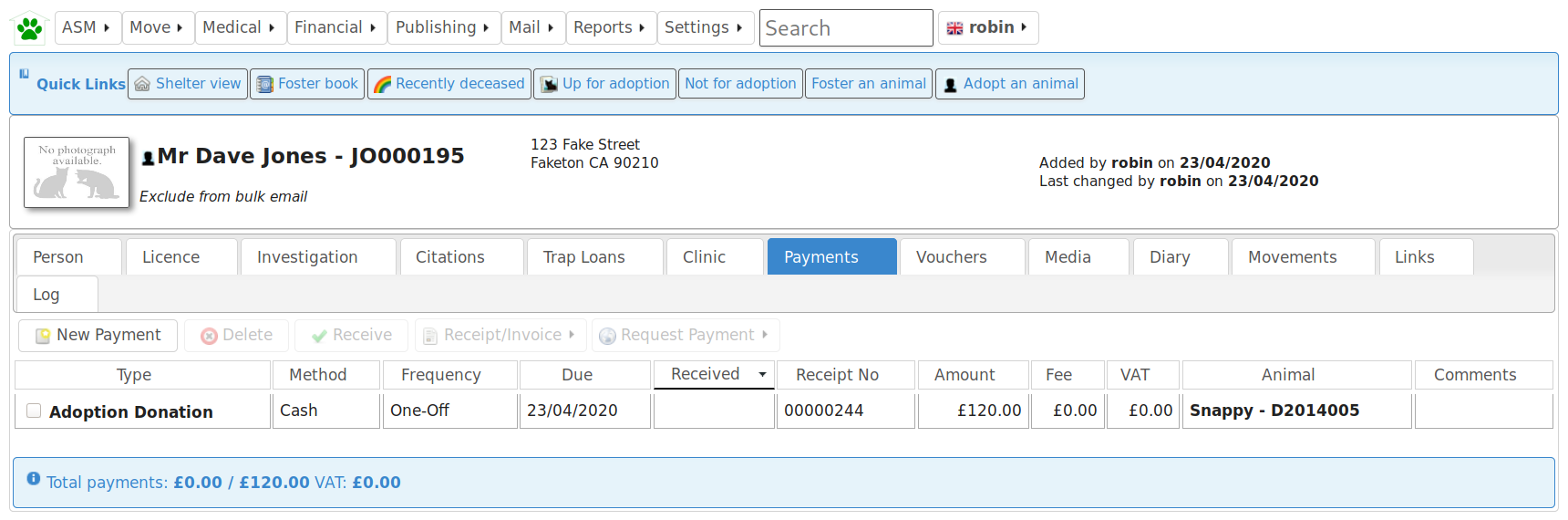
Next, request payment from the customer by selecting your payment from the list and clicking “Request Payment” followed by the processor you would like to use to receive the payment.

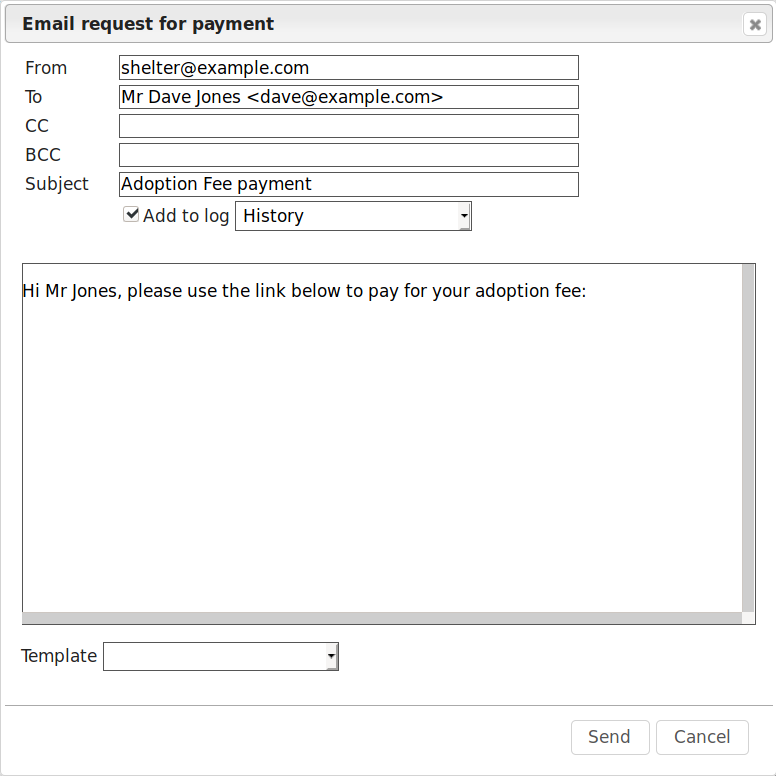
The screen will pop up an email dialog, allowing you to complete details of the message to be sent requesting the payment. Use document templates to store commonly used emails and populate the text by choosing them from the Template dropdown at the bottom of the dialog.
The payment request link will be appended to the bottom of your message after you hit Send.
Warning
The subject line of your request email will be used as the description of the item presented to the customer when they pay.
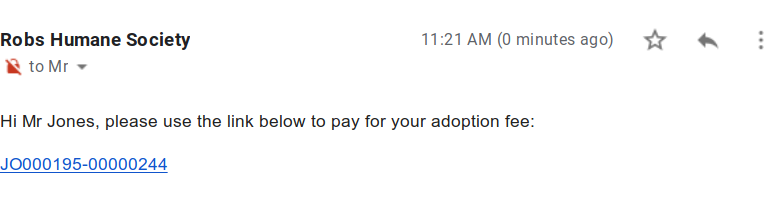
The resulting email will end up in the customer’s inbox with a clickable link to pay with the payment processor.
Note the payment references that ASM uses are in the form of PERSON-RECEIPTNUMBER to prevent one person receiving a payment request from changing or guessing another receipt number to try and access another customer’s payment.
The subject line of your email will be used as the payment description at the checkout. ASM will default the comments from the selected payment and if they are not present, will suggest the payment type.
Once payment has been completed, the system will automatically update the received date on the payment record. If you have the option on to create matching accounting transactions for received payments, a transaction will be written at this point. If you have configured an expense account for transaction fees, a transaction will be written to deduct the fee and send it to the expense account.

Requesting fulfilment of multiple payments
Payment requests are linked to receipt numbers rather than individual payments.
While most payments will have their own receipt numbers, it is also possible to create multiple due payments on the same receipt number by using the or screens.
For these screens to allow you to set the due date, you need to have set the option
When choosing a due payment from the Payment Book or a payment tab, the other payments with the same receipt number will also be included and added to the payment total requested.
Adoption self-checkout
TBA
License self-checkout
TBA